Choose less
Focus Mode answers one question: what should I do next? The point is not more filters. The point is fewer decisions. On a light day of 3 tasks or fewer, the Top 3 card hides. Your list is already the answer.
Feature
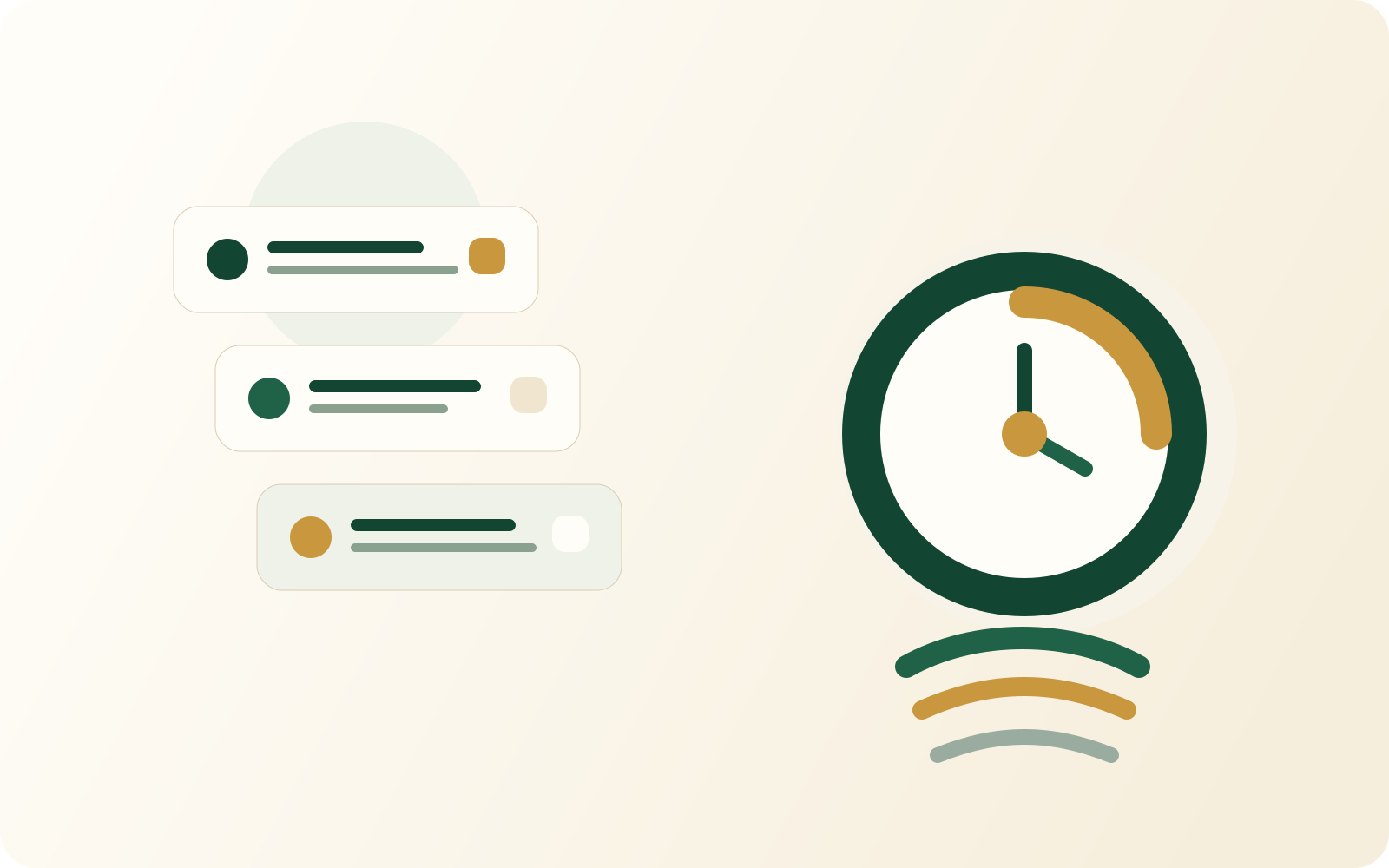
Focus Mode narrows your attention to the most important tasks now. You do not scan the whole backlog every time. When you are ready, the built-in Pomodoro timer is one tap away.
Focus Mode is part of TapTidy Pro.
Focus Mode answers one question: what should I do next? The point is not more filters. The point is fewer decisions. On a light day of 3 tasks or fewer, the Top 3 card hides. Your list is already the answer.
TapTidy surfaces the day's top tasks using due-date proximity and the priority signals already in your system. There is no cloud scoring pass required to open the screen.
When you are ready to work, the Pomodoro timer is already part of the same surface. 6 timer skins run on web and Android. Each skin has its own palette, background, particles, font, and a hand-drawn tomato mascot. All are rendered natively with no third-party assets.
Why it helps
It works best when the system holds more work than you can do today. The interface should not increase that pressure.
Open one screen. See the day's critical work. Start, instead of sorting tasks for 10 minutes.
The Top 3 also shows in the widget. You see the day's focus without opening the whole app.
Timed work and breaks stay tied to the same focus surface rather than sending you to another disconnected tool.
Plan fit
Free still gives you the core task system. Focus Mode and the timer workflow are part of the Pro tier.
| Capability | Free | Pro |
|---|---|---|
| Daily Top 3 Focus Mode | Not included | Included |
| Built-in Pomodoro timer | Not included | Included |
| Core task system | Included | Included |
Focus Mode FAQ
This is where the feature either sounds cosmetic or genuinely useful. The answer depends on what you expect it to do.

Focus Mode helps by collapsing the day into the next few actions that actually matter.
See what Pro unlocks Start on Free, upgrade when the deeper workflow is worth it.