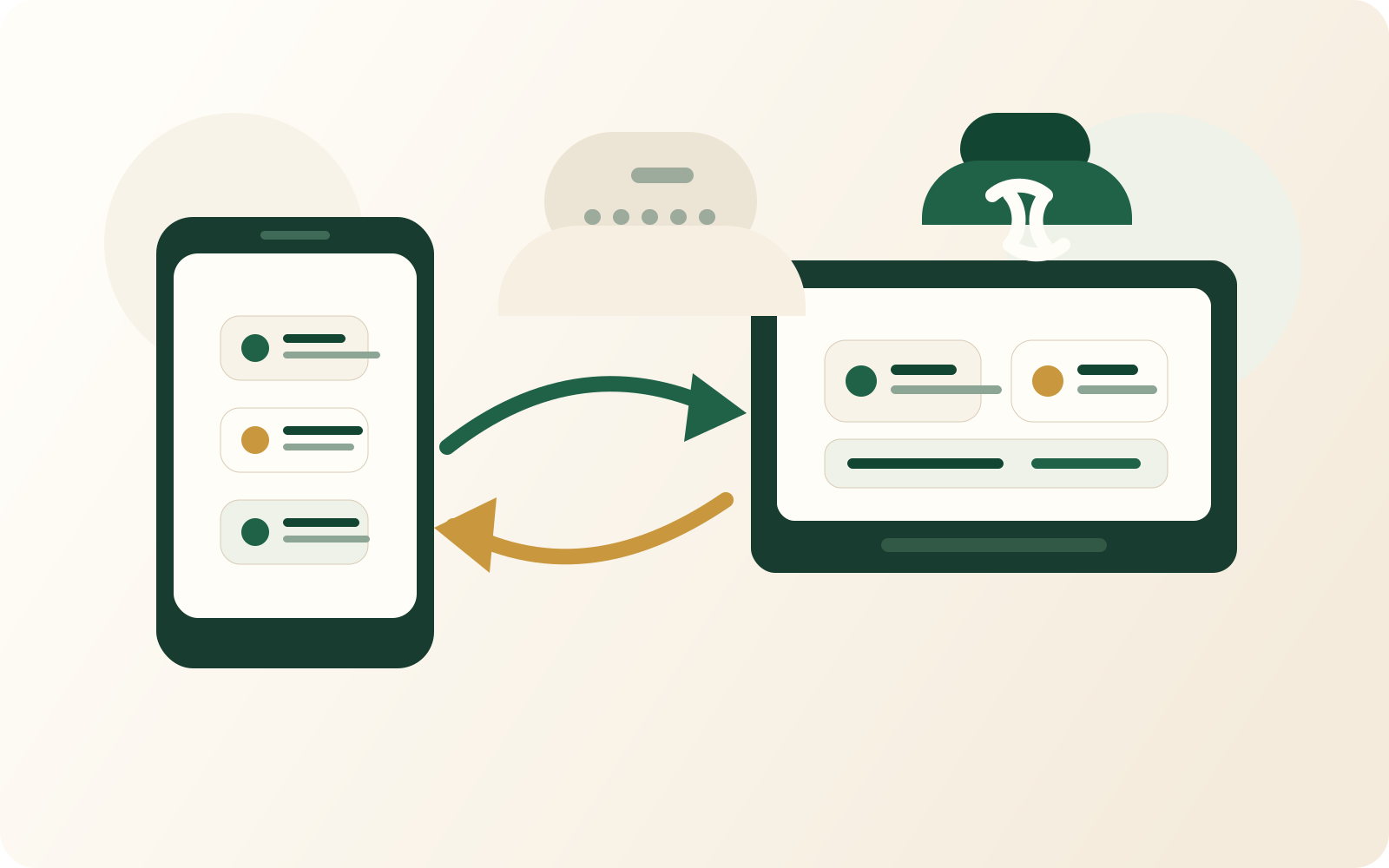
Offline-first sync

TapTidy works without an internet connection. Tasks are written to your device first, then synced to the cloud when you reconnect — not the other way around.

✈️

Works on planes, subways, dead zones

Full task capture, editing, and completion — no spinner, no error message, no waiting for a connection.

🔄

Automatic sync on reconnect

When you come back online, TapTidy reconciles your offline changes with any changes made on other devices — automatically, in the background.

📲

Same behavior on web and Android

The web PWA uses a service worker + local IndexedDB. The Android app uses Room database with the same outbox queue pattern.

Offline-first vs sync-first

Most task apps are sync-first: they write to the cloud first and fall back to a cached copy if the request fails. TapTidy is offline-first: writes go to local storage first, and sync is a background process that catches up when it can.

TapTidy (offline-first)

Write to device → queue for sync → sync runs in background. Zero latency for all local operations. No UI blocking on network issues.

Typical sync-first app

Write to cloud → cache locally on success. If the request fails, you get a "saved locally" state that may or may not reconcile correctly.


How conflicts are resolved

If you edit the same task on two devices while one is offline, TapTidy uses a last-write-wins strategy with field-level granularity — not whole-task replacement. So if you changed the title on device A and the due date on device B while offline, both changes are preserved when they sync.


Web PWA offline support

The TapTidy web app is a Progressive Web App with a service worker that caches the app shell and task data for offline use. You can install it to your home screen or taskbar for an app-like experience with full offline access.

Offline writes are queued in IndexedDB and flushed when the sync engine detects network availability. The service worker intercepts API calls and serves cached responses while offline.


Android offline support

The TapTidy Android app uses Room (SQLite) as the primary data store. All reads and writes hit the local database — network sync is handled by a background worker that runs independently of the UI.

On the Privacy APK (no Google build), push notifications use UnifiedPush with an embedded distributor as the primary mechanism. When no UnifiedPush distributor is available, a persistent Socket.IO WebSocket connection serves as the fallback — maintaining real-time updates without any Google dependencies.


Offline and sync questions

Does TapTidy work offline?
Yes. TapTidy is offline-first — tasks are written to your device first, then synced to the cloud when a connection is available. Full task capture, editing, and completion work with no internet connection on both the web PWA (via service worker and IndexedDB) and the native Android app (via Room/SQLite).
How does TapTidy handle sync conflicts?
TapTidy uses field-level conflict resolution with a last-write-wins strategy. If you edit the same task on two devices while one is offline, both changes are preserved — for example, a title change on one device and a due date change on another are both kept when they sync. An outbox queue ensures no operation is lost even across app restarts.
What is the difference between offline-first and offline-capable?
An offline-first app writes to local storage first and treats sync as a background process — there is zero latency for any local operation. An offline-capable (sync-first) app writes to the cloud first and saves locally only as a fallback; if the request fails, you may get a 'saved locally' state that may not reconcile correctly. TapTidy is offline-first. Most competing task managers including Todoist and TickTick are sync-first with offline as a fallback.

Work anywhere — sync everywhere

Offline-first on web and Android. Free to start.

Create your free account →
or download the Android app