
Classify as you type
Shopping items are categorized as they are added so produce, dairy, bakery, household, and pantry items land in the part of the trip where they belong.
Feature
TapTidy Shopping Lists group items by aisle. Your household shares one list. The list stays usable when the signal is bad. The whole point is to make store trips feel shorter, not more digital.
Shopping lists are on Free and Pro. Share one list with up to 3 household members on Free. Pro removes the member limit and adds automatic background sync.
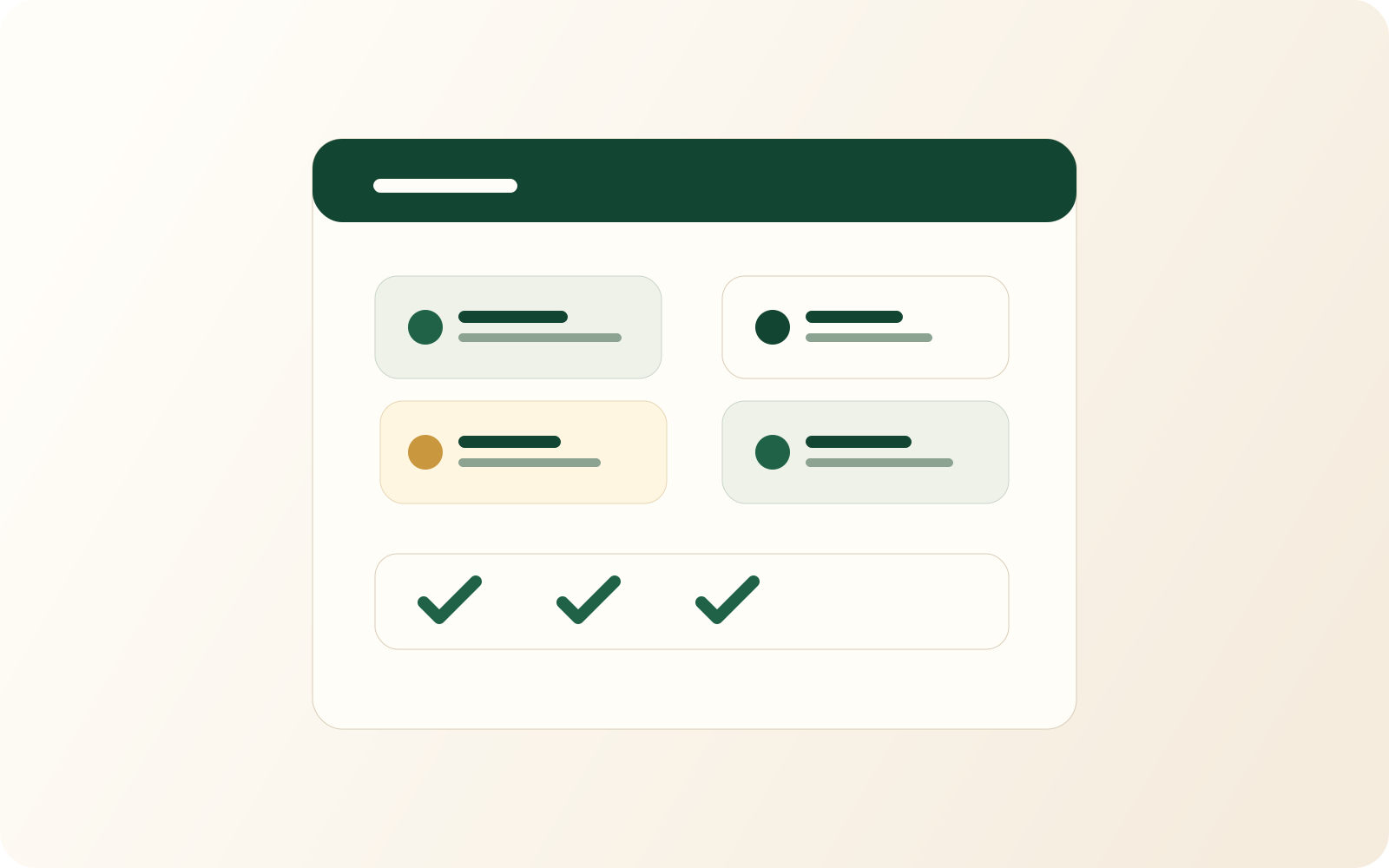
Shopping items are categorized as they are added so produce, dairy, bakery, household, and pantry items land in the part of the trip where they belong.
One household list means anyone can add milk before leaving work, and anyone in the store can see the same current state instead of relying on a screenshot or text thread.
Weak signal in a store is normal, not rare. The list should still let you check items off and catch up across devices once the connection returns.
Why it helps
Shopping lists fail when they are too generic or too slow in the store. They also fail when the household splits into separate private lists by accident.
You want the list grouped in a way that mirrors movement through the store, not in the order items were captured during the week.
Shared editing prevents duplicate purchases. Everyone sees the same current list.
TapTidy also has templates for other shopping projects. The same list model works for trips that are not grocery runs.
Plan fit
The list workflow itself is available broadly. The tier difference is mostly about how automatically changes move between devices.
| Capability | Free | Pro |
|---|---|---|
| Shopping list projects | Included (counts toward the 5-project Free limit) | Included |
| Auto-categorized items | Included | Included |
| Sync trigger | Manual sync | Background and push sync |
Shopping FAQ
That is a good thing. Shopping software earns trust by reducing ordinary frictions, not by sounding futuristic.

TapTidy Shopping Lists are built for shared households, weak signals, and ordinary store chaos.
Download TapTidy Start on Free and upgrade later if automatic background sync matters.